 AideAI
How Students Can Use AI to Write Better Essays and Assignments
The hardest part of an essay is rarely typing.
It is the messy middle: figuring out what the assignment actually wants, finding a structure that holds, writing a draft that still sounds like you, and checking whether you answered the prompt before you submit.
That is why "write my essay" tools disappoint so quickly. They skip the work that makes writing better.
AideAI Write mode is built for the process around the draft — not for replacing it.
Tuesday Night With A Rubric And A Blank Doc
Picture a familiar scene.
You have a history response due Thursday. The prompt is two paragraphs long. The rubric mentions thesis, evidence, and "engagement with course themes." You have class notes, a PDF of the reading, and a Google Doc with three disconnected paragraphs you wrote after lecture.
You are not starting from zero. You are starting from almost.
What you need is not a finished essay in thirty seconds. You need help moving through the stages:
- decode what the professor is really asking
- turn notes into an outline you trust
- write your own draft from that outline
- tighten clarity without flattening your argument
- compare the draft to the rubric before submission
Write mode is for that sequence.
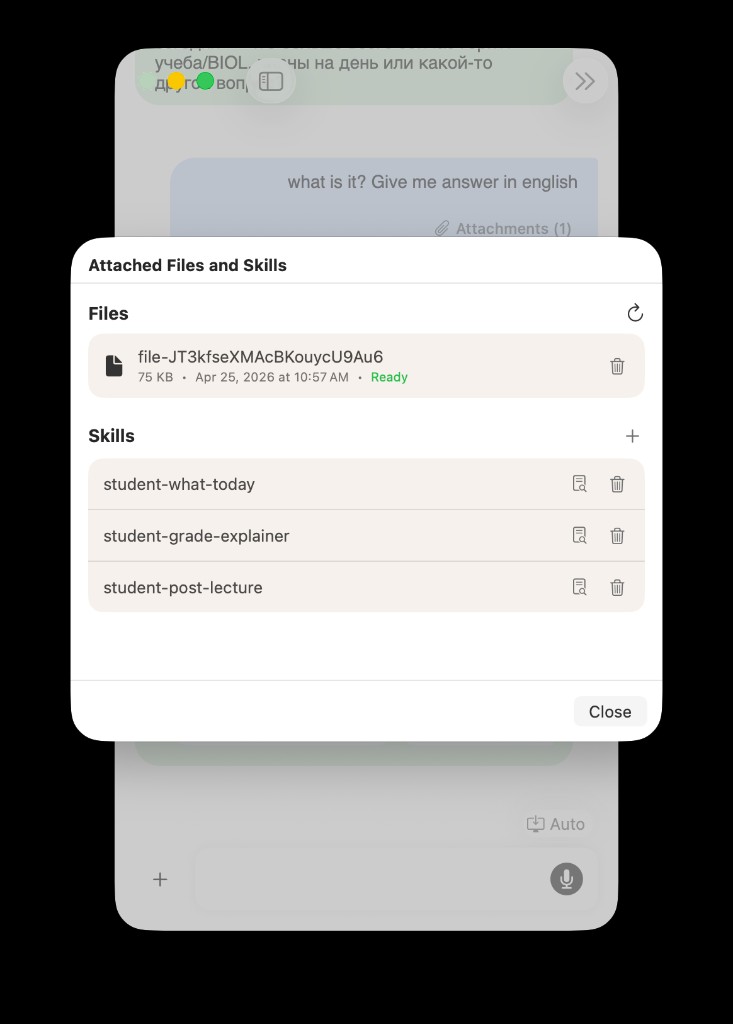
Strong writing support starts with the prompt, rubric, and draft attached — not a blank chat box.
Write Mode Is Not "Generate Essay"
Generic AI chat often jumps straight to output.
That creates a familiar loop: paste prompt, get polished paragraphs, realize they miss the assignment, rewrite half of it anyway, wonder whether the argument is even yours.
Write mode is tuned differently. It is for structure, clarity, revision, and alignment with the task — the parts of academic writing where students actually get stuck.
Use Learn when you need to understand material. Use Plan when you need to decide what to work on. Use Write when you already know you are in drafting mode.
For understanding before you write, read Use AI to Understand Class Material Faster, Not Just Generate Answers.
Stage One: Decode The Prompt Before You Draft
Many weak essays fail before sentence one.
The student answered a question the assignment did not ask, missed a required section, or treated a compare-and-contrast prompt like a summary.
Before drafting, ask Write mode to interpret the assignment in plain language:
Explain what this prompt is really asking for, list required sections, and tell me what would count as a weak answer.
Attach the prompt PDF or paste the text. If you have a rubric, attach that too.
The useful output is not prose. It is clarity:
- the real task
- hidden constraints
- what evidence or sources matter
- the first concrete step
That five-minute pass saves hours of false starts.
Stage Two: Outline From Your Notes, Not From Thin Air
Once the task is clear, structure is the next bottleneck.
You may have ideas scattered across Apple Notes, lecture slides, and a reading PDF. The job is to turn that pile into an outline you can actually write from.
Attach the materials that matter. Then ask for an outline that follows the assignment shape, not a generic five-paragraph template.
Try prompts like:
- Turn these notes into an outline that matches the prompt sections.
- Where is my argument weakest before I draft?
- What evidence from the reading supports each section?
For the file layer, read Use PDFs, Notes, Docs, and Audio as Real AI Context.
The outline should still be yours to accept, edit, or reject. The point is to reduce blank-page friction without skipping thinking.
Stage Three: Draft In Your Voice, Revise With Help
This is the line worth being honest about.
AideAI should help you write better, not submit work that is not yours. The healthy workflow is:
- write from the outline yourself, or expand section by section with the assistant asking questions
- bring the draft back for clarity, transitions, and weak paragraphs
- ask for specific fixes, not a full rewrite
Useful revision prompts:
- This paragraph feels vague — what is unclear about the argument?
- Tighten this section without making it sound generic.
- Does my thesis actually match what section two argues?
- Flag places where I summarize instead of analyzing.
If you keep hitting the same rubric issue every essay, attach a skill for rubric checks in a dedicated course thread. Read One Study Playbook for Your Class Chat: Attach Skills to a Thread.
Stage Four: Compare The Draft To The Assignment
Near the deadline, the fear shifts.
It is no longer "I have nothing written." It is "I wrote a lot, but I'm not sure this answers the prompt."
That is a perfect Write-mode moment. Attach the draft, prompt, and rubric. Ask:
Compare my draft to the assignment requirements. What is missing, weak, or off-topic?
You are not asking for a new essay. You are asking for a pre-submission audit:
- missing sections
- unsupported claims
- rubric gaps
- places where you drift from the question
That check is often worth more than one more round of line edits.
Where Write Mode Fits In Agent Desk
If you split work across panels, keep writing in a dedicated Write agent or thread instead of mixing it with planning, lecture review, and random questions.
One panel for essays. One for lecture follow-up. One for weekly planning. The separation keeps context clean and stops every chat from turning into a junk drawer.
Read Meet Agent Desk: A Multi-Agent Workspace for Students.
Who This Helps Most
Write mode is especially useful if you:
- understand the material but struggle to structure it
- overthink the first draft and lose momentum
- write essays, reflections, reports, or discussion posts
- want clearer phrasing without losing your argument
- need rubric-aware feedback before submitting
It is less useful if you have not read the material at all and want a shortcut around the assignment. That is not the product story, and it is not good academic practice.
Start On Free, Upgrade When Power Features Matter
The core Write workflow — prompt decoding, outlining, clarity passes, rubric comparison — is part of the main AideAI experience on Free.
Premium matters more when you want stronger models for harder revision, built-in web search, image generation, or advanced voice features. Compare plans on Pricing.
Try Write Mode On Your Next Assignment
Pick one essay due this week. Attach the prompt. Decode the task. Build the outline. Draft in your voice. Run a rubric check before you submit.
That is the difference between AI text generation and a writing workflow that actually helps you submit clearer work.